A Brief History of Google Search Console
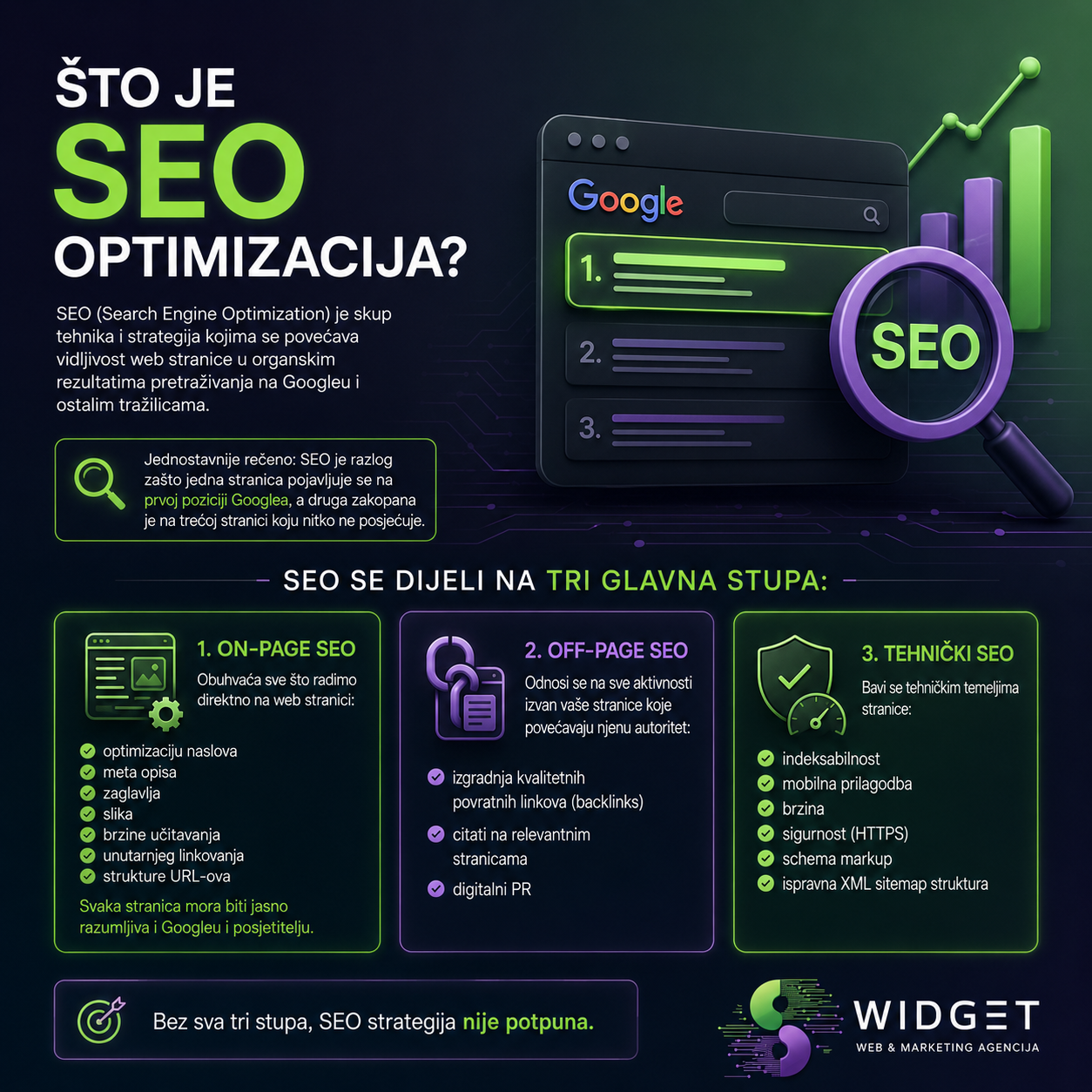
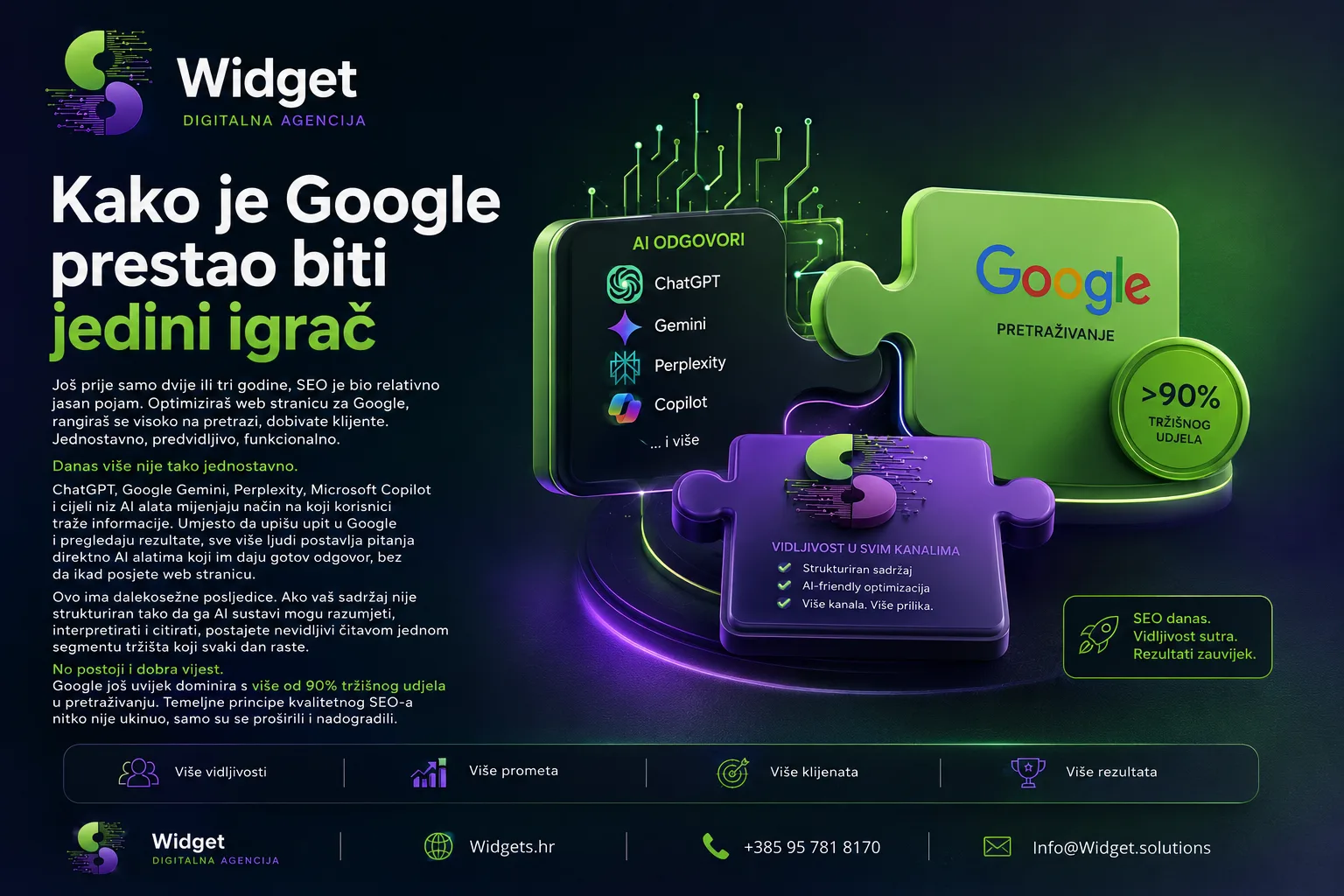
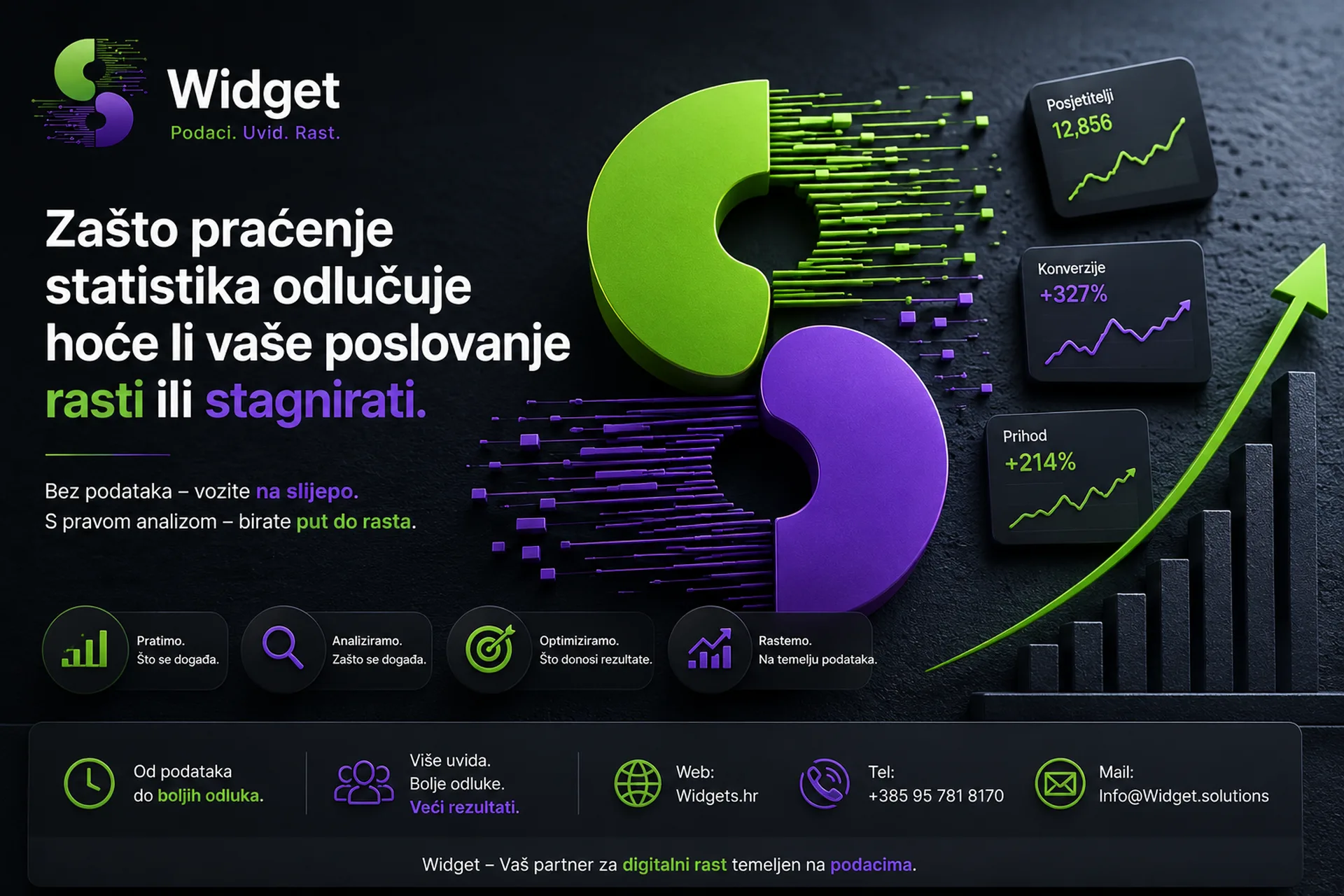
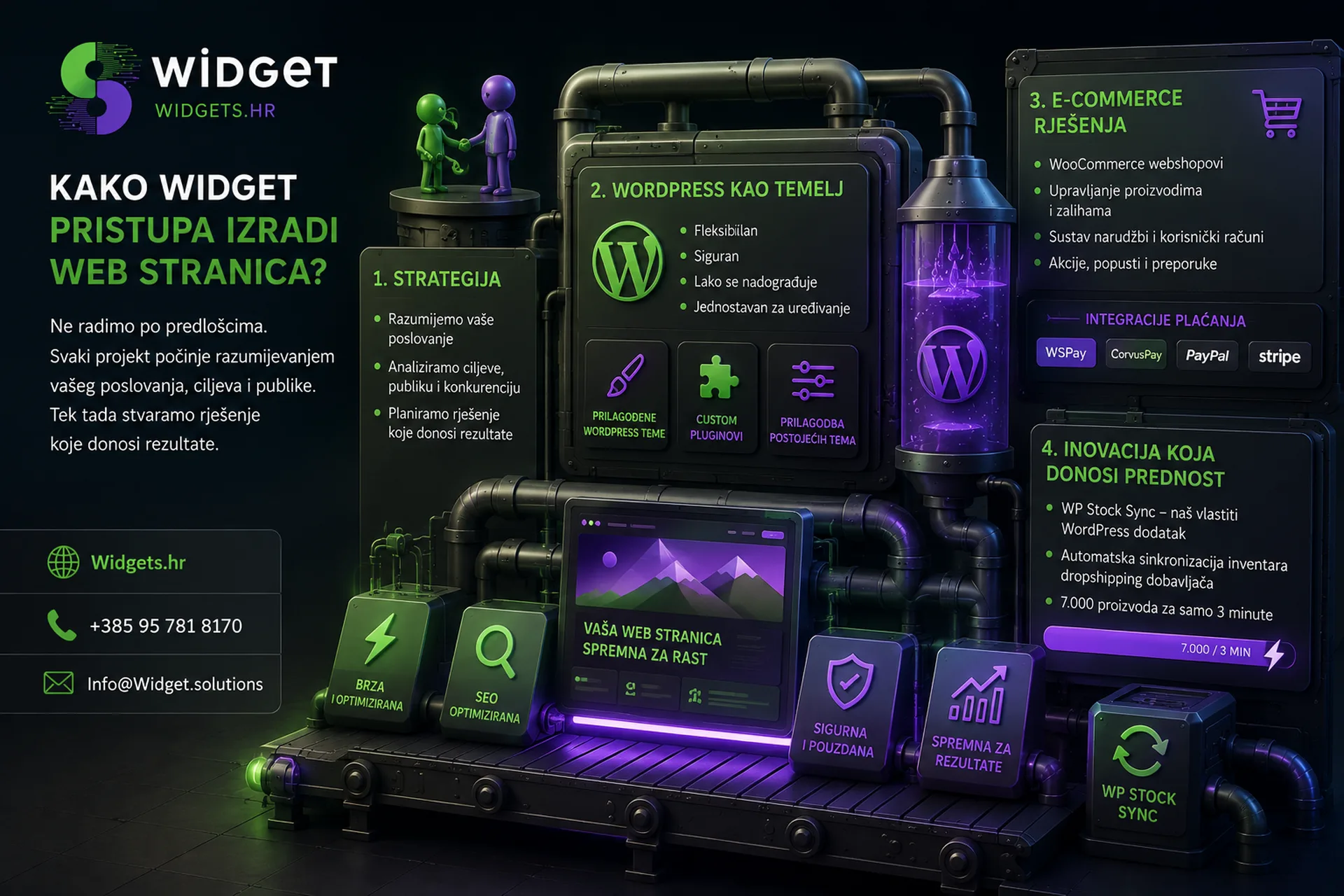
If you have a website and you don't use Google Search Console, you're flying blind. This free Google tool is one of the most powerful resources available to any website owner, and surprisingly few businesses actually use it the right way. In Widget we use Google Search Console on a daily basis for all our clients and in this article we will reveal everything you need to know: what it is, where it comes from, how it works and why you should set it up today.
To understand why Google Search Console is so valuable, it's helpful to know where it comes from.
2006: Google Webmaster Tools
Google Search Console hasn't always had that name. The tool was initially launched in 2006 under the name Google Webmaster Tools. At that time, it was intended exclusively for web developers and technical experts who needed to check how Google "sees" their pages. The interface was rudimentary, data scarce, but the concept was revolutionary: for the first time, Google gave website owners direct insight into how its search engine indexed them.
2015: Rebrand and a new direction
The year 2015 was marked by a significant turnaround. Google has renamed the tool Google Search Console, sending a clear message: this is no longer a developer-only tool. The purpose has expanded to include marketers, business owners, SEO experts, and anyone who wants to understand how their site performs in Google search. The interface has been modernized, and data has become more accessible and understandable.
2018: A new generation of tools
The biggest redesign occurred in 2018 when Google launched a completely new version of Search Console with radically improved performance reports. The new interface brought 16 months of search data (as opposed to the previous 90 days), more detailed indexing information, a URL inspection tool, and significantly better visibility into issues. This was a milestone that turned Google Search Console into a must-have tool for serious SEO experts.
What is Google Search Console and why is it free?
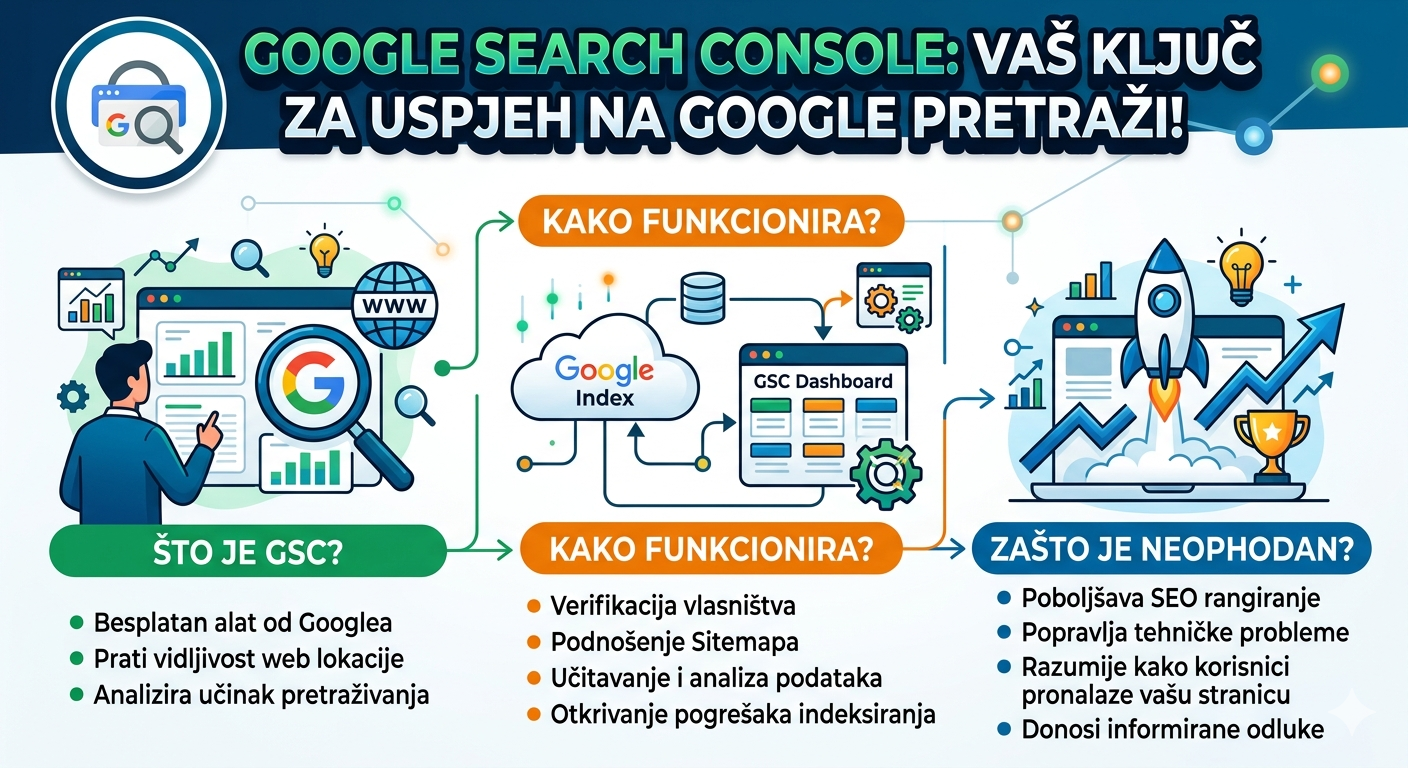
Google Search Console is a free web service offered by Google to help website owners monitor, maintain, and troubleshoot presence issues in Google Search. It is free because it suits Google to ensure that websites are of high quality, fast and easily indexable, which directly improves the user experience when searching.
In short: Google wants the internet to work better, and Search Console is one of the ways to encourage that.
How does Google Search Console actually work?
Verification of ownership
First of all, you need to prove to Google that you are the owner of the website. This is done in several ways: by adding an HTML tag to the page code, by uploading an HTML file, via Google Analytics, Google Tag Manager, or DNS records. The widget always recommends verification through Google Tag Manager because it is the most efficient and does not require direct access to the code every time.
Data collection by Googlebot crawler
After verification, Google Search Console begins collecting data through Googlebot, Google's automated robot that constantly searches and indexes the web. Googlebot visits your site, reads your content, tracks links, and sends all the information back to Google's databases. Search Console shows you the results of this process.
What exactly does Search Console tell you?
Google Search Console organiziran je u nekoliko ključnih sekcija:
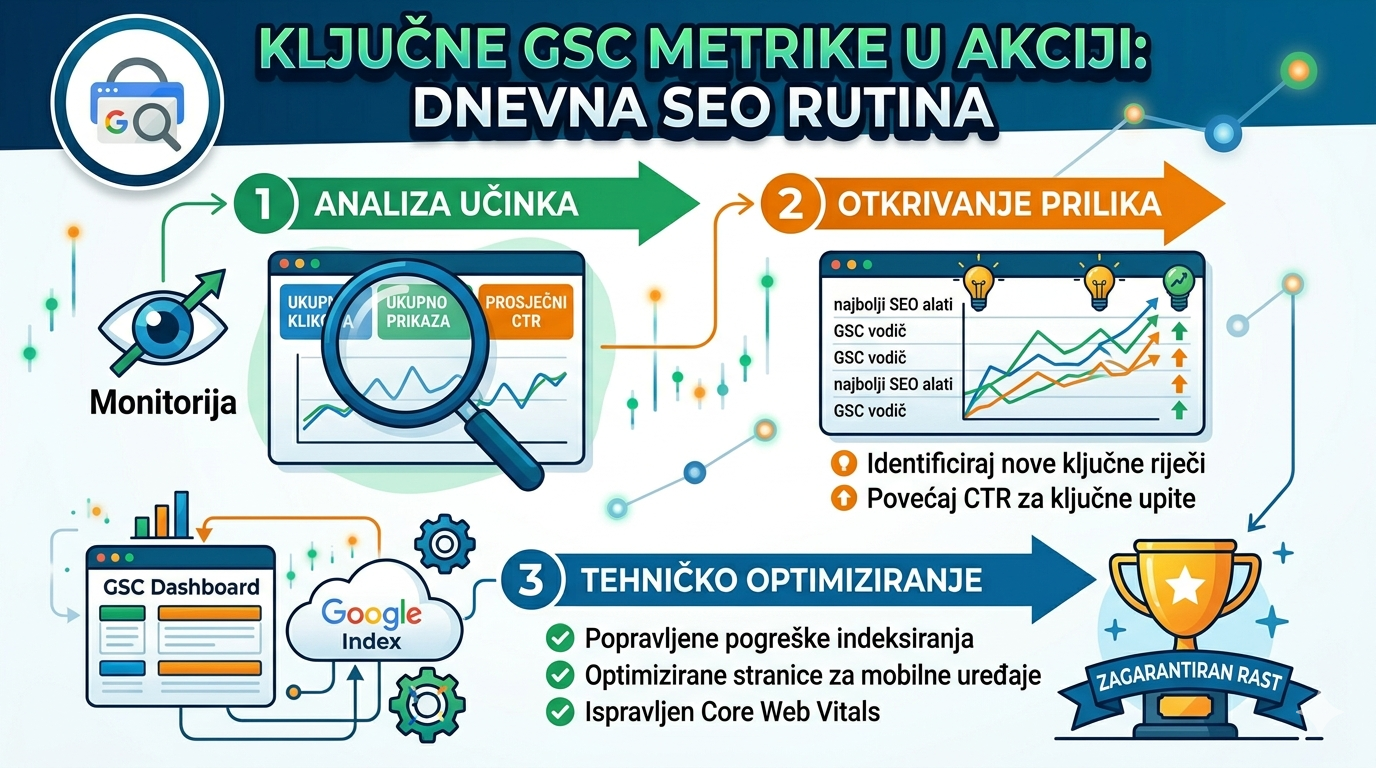
Performance report is the heart of the tool. Here you can see how many times your page was displayed in Google searches (impressions), how many times users clicked on it (clicks), the average position in which you appear and CTR (click-through rate). Most importantly, you see exactly which keywords are driving traffic to your site.
URL Inspection allows you to enter any URL from your page and see exactly how Google sees it: whether it has been indexed, when it was last visited, whether there are rendering issues, and whether you can request an urgent reindex.
Index coverage It shows which pages have been successfully indexed, which have been excluded, and, critically, which have errors that prevent them from appearing in search.
Sitemaps section allows you to submit an XML sitemap of your website, thus giving Google a precise map of all the pages you want to index. The widget always sets and verifies the sitemap as one of the first steps when creating a new website.
Core Web Vitals is a relatively new section that measures three key aspects of user experience: LCP (Largest Contentful Paint), INP (Interaction to Next Paint), and CLS (Cumulative Layout Shift). Google uses these factors as a direct ranking signal.
Links They show which external websites link to you (backlinks) and what your internal link structure is. Backlinks are one of the most important SEO factors.
Mobile usability analyzes whether there are any problems with the display of your site on mobile devices, which is especially important today because Google uses mobile-first indexing.

Why is Google Search Console indispensable for SEO?
Unlocks growth opportunities you don't see anywhere else
Imagine that your site regularly ranks 8th or 9th for a particular keyword. This means that you are almost on the first page of Google, but almost no one clicks because most users select results from positions 1 to 5. Search Console clearly shows you this and thus identifies low fruits, pages that with relatively little optimization can jump to significantly better positions and bring many times more visitors.
Alerts you to problems before they become expensive
Indexing errors, security issues (malware, hacks), penalties from Google, mobile display issues, all of this is quickly detected by Search Console. Without this tool, you could have a serious problem for weeks or even months without even realizing it, while your traffic is quietly dropping.
It's free, and it's better than many paid tools
Paid SEO tools like Ahrefs or SEMrush are extremely powerful, but they work with evaluated data. Google Search Console is the only one that displays actual data directly from Google's database because it comes from Google itself. The combination of Search Console and Google Analytics gives you a complete picture without a single euro of expense.
How does Widget use Google Search Console for clients?
In Widget, Google Search Console is not an option, but a standard. Every client whose website passes through our hands receives:
Setting up and verifying Google Search Console as one of the first steps in collaboration. Regular monitoring of performance, indexing errors, and Core Web Vitals data. Identifying keywords in positions 4 to 15 that are "low-hanging fruit" for quick SEO wins. Submission and monitoring of XML sitemaps. Integration with Google Analytics for a complete picture of user behavior. Monthly performance reports that are clear and understandable even without technical knowledge.
Our goal is not just to make your website exist, but to grow and bring measurable results. Google Search Console is one of the fundamental tools that makes this possible.
Who should use Google Search Console?
The short answer: anyone who has a website.
The long answer: small and medium-sized business owners who want to understand if traffic is coming to their site and from where. E-commerce outlets that track which products users are searching for. Bloggers and content creators who optimize articles for better rankings. Marketing managers who need realistic data for reports. Web developers and SEO experts for whom this is a daily tool.
There's no excuse not to use it, as it's free, relatively easy to set up, and provides insights that no other tool can replace.
Believe in our strategy
Google Search Console has come a long way from the humble Webmaster Tools of 2006 to the sophisticated, all-in-one tool used by millions of websites around the world today. Understanding how it works and how to use it in the right way can be the difference between a website that stagnates and one that attracts more and more visitors every month.
At Widget, we believe that every website owner deserves a clear picture of what's going on with their online presence. If you haven't set up Google Search Console yet or need help interpreting your data, give us a call. A free consultation is here for just that.
📞 Contact: +385 95 781 8170 🌐 Web: widgets.hr
Widget, one agency. All services. Zero stress.